Bulk TikTok Video Downloader
Use this bulk TikTok video downloader to save all videos from a profile without watermarks.
Save your own videos, collect content for research, or keep a creator's posts to watch offline.
Simply enter a TikTok username or paste a profile link into ExportTok to get started.
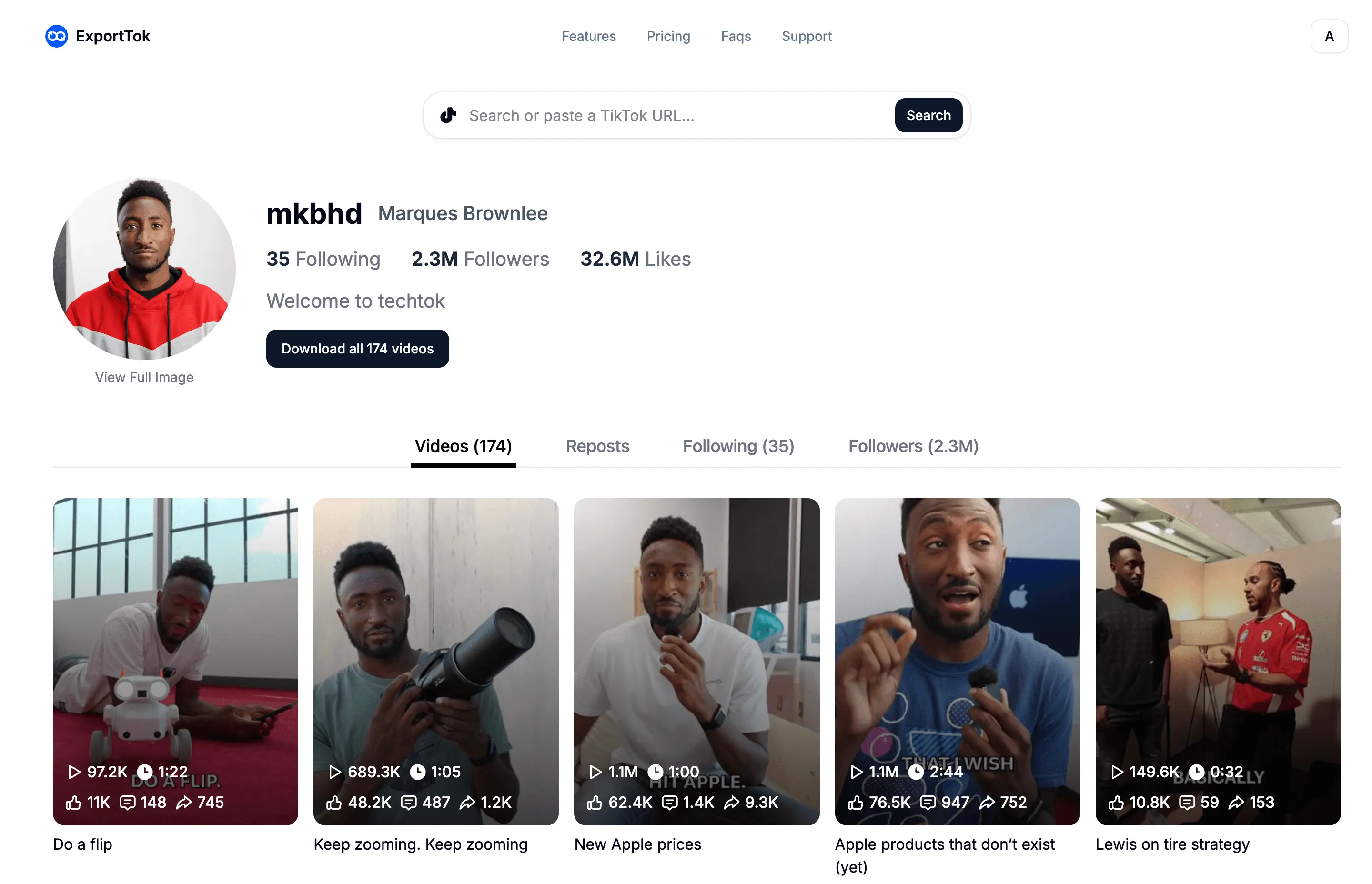
Download an Entire TikTok Profile
Downloading a whole account gets tedious when you have to open every video, copy its link, and save it separately.
ExportTok lets you download all videos from a public TikTok profile in bulk. You only need the username or profile link, so there's no list of individual video URLs to put together.
It's useful when you've posted regularly for months and want to save your video collection at once.
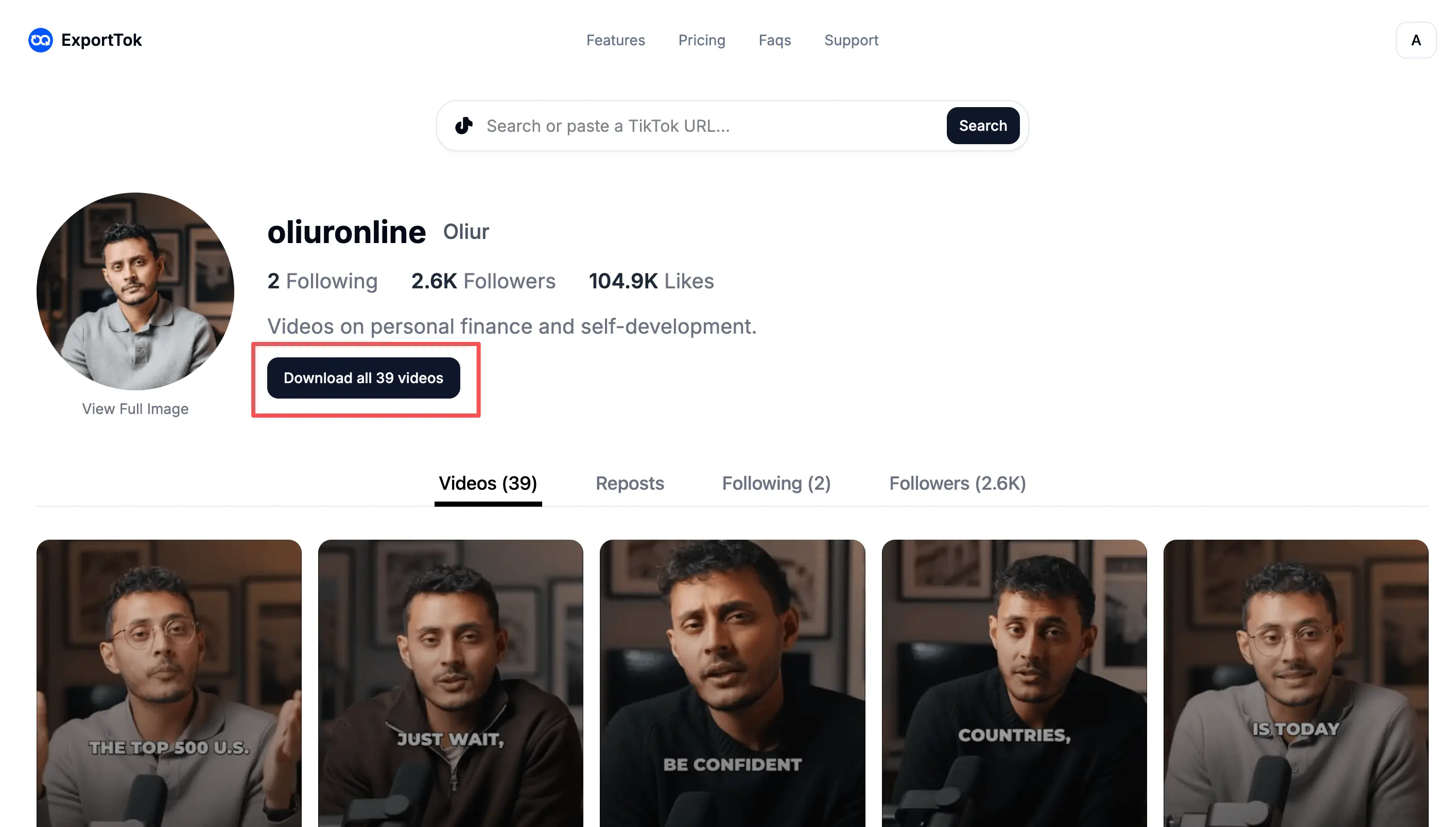
How to Bulk download TikTok Videos
It only takes a few steps to get started:
- Enter a TikTok username or paste the account's profile URL.
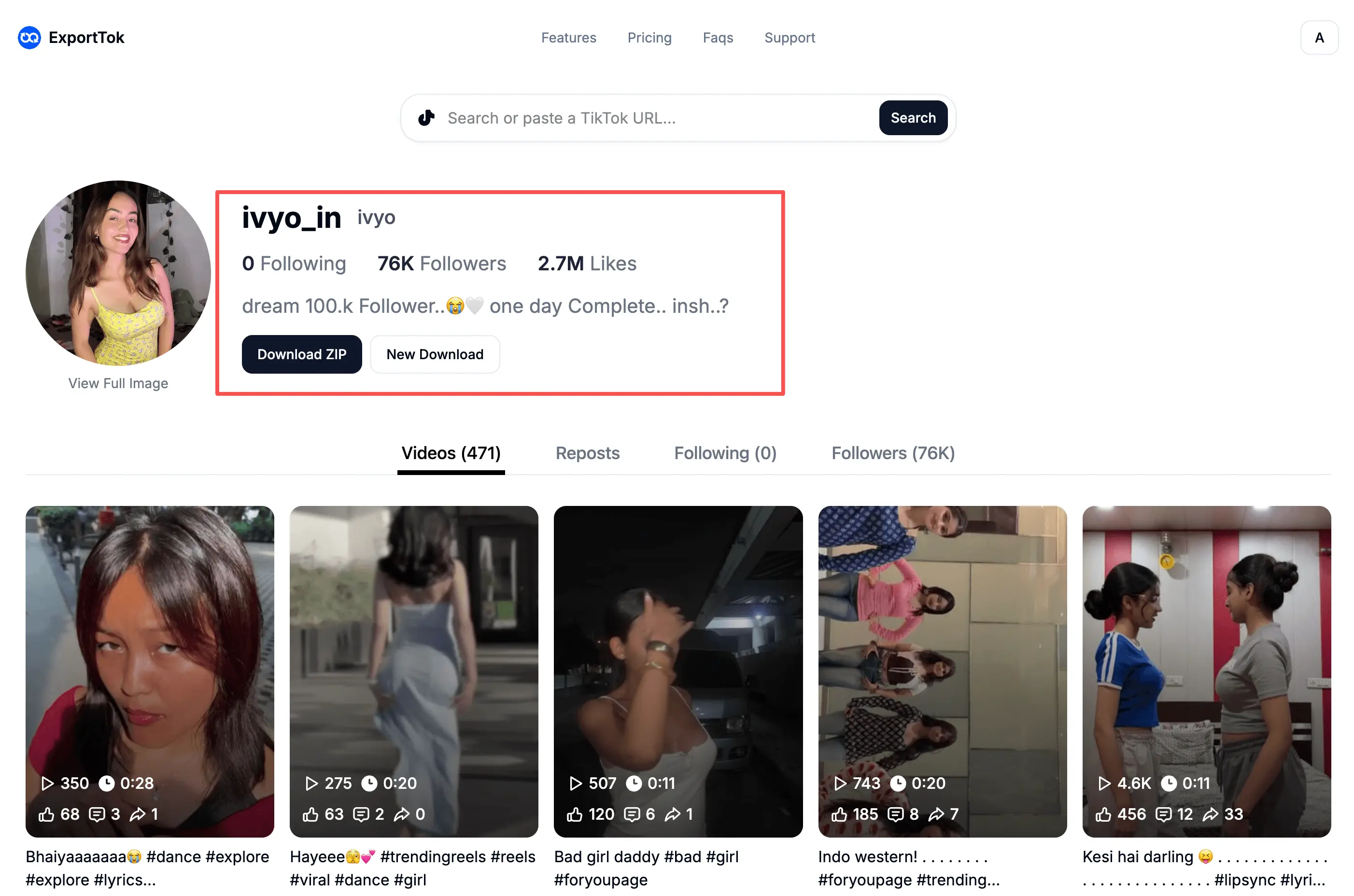
- Click the "Download All Videos" button and wait for the videos to be processed.
- After the process is complete, you can download the videos using the "Download" button.
You don't need to install a desktop app, set up a browser extension, or run a script. All you need to begin is the account you want to download from.
Save videos without watermarks
Every video you download comes without the TikTok watermark.
This is especially helpful when you want clean copies of your own posts for editing or sharing elsewhere. You don't have to crop around a logo or cover it up before using your videos again.
Download your collection and keep the screen space for your content.
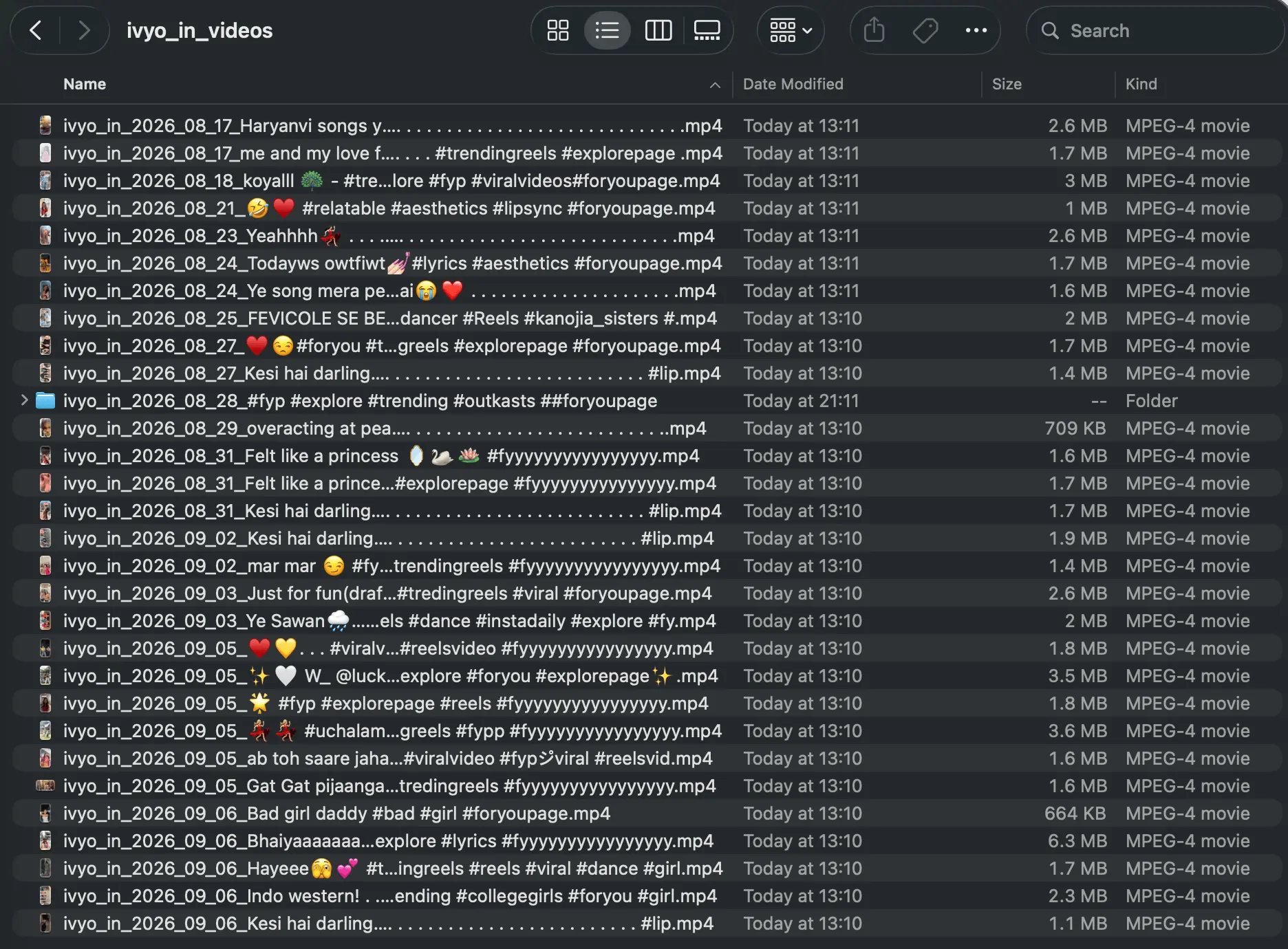
Back up your own TikTok account
Keep a copy of the videos you've spent time creating.
Maybe you've changed phones and no longer have the files you originally uploaded. Or perhaps you edit directly in TikTok and want to save your published work before cleaning up your profile.
Download your videos while they're still available, then keep a backup on your computer or external drive.
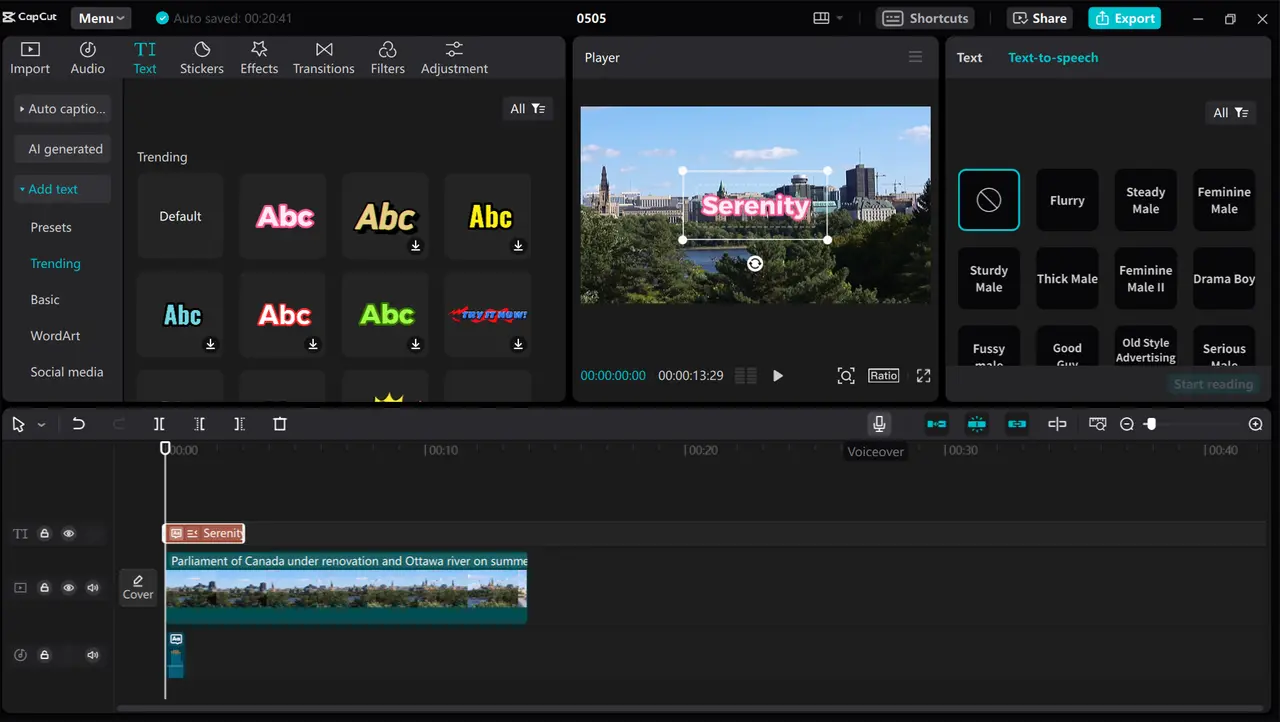
Prepare Your Videos for Reels and Shorts
Save your own TikTok videos to use on Instagram Reels or YouTube Shorts.
Download them in bulk without watermarks, then choose the ones you'd like to use. You can bring the files into your video editor to update the intro, change the captions, or combine clips into something new.
It's a simple way to revisit your existing work when planning your next posts.

Keep videos for research and offline viewing
Save videos from a public profile to review at your own pace. This is useful for:
- Studying how a creator opens their videos
- Comparing editing styles and recurring topics
- Collecting examples for a content planning session
- Watching tutorials when you don't have an internet connection
Once downloaded, you can organize the files into folders by creator, topic, or project. Open the video you need without scrolling through the profile again.
Download TikTok Videos in Bulk Now
Enter a TikTok username or paste a profile link into ExportTok. Save the account's videos and keep them ready for whatever you're working on next.